Create your free Arabic & English QR menu.
Paste the link to your current menu, upload a spreadsheet, let your AI assistant read the paper one, or start from scratch. You get the real editor and your menu on a phone in every template. Sign up only when it's ready to publish.
Explore sample menus with photos →- No card
- Arabic + English
- Table QR codes
- SFDA-ready labels
What you get in 20 seconds: your items in the editor, your menu on a phone. Saved in this browser for 7 days.
How it works
Three steps. The account comes last.
- 01 · Paste or type
Start with what you have.
A link to your current menu, a spreadsheet, a photo handed to your AI assistant, or dish names typed one per line. Nothing is guessed — missing prices are flagged, not invented.
- 02 · Edit & preview
Fix it in the real editor.
Add Arabic names, reorder sections, switch between six templates. The phone preview updates as you type. Scan a private QR to see it on your own phone.
- 03 · Sign up & publish
Go live, print the QR.
Create a free account to publish. Your items come with you exactly as they are. Table-numbered QR codes never need reprinting — change a price and every table updates.
Try the editor
Change a price. Watch the phone.

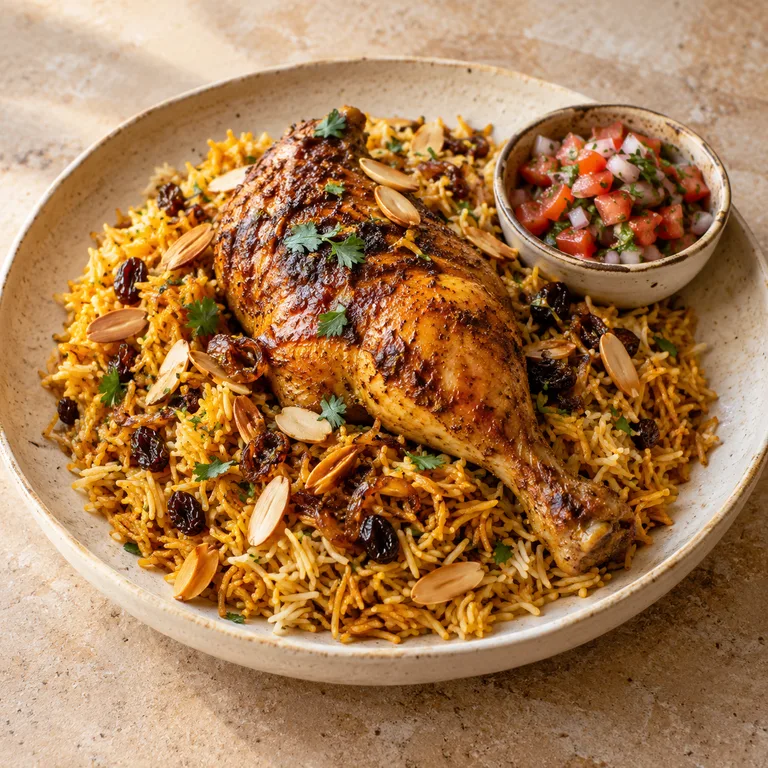
Templates
Six layouts. Try them all before you choose.
Your colours, in light or dark mode.
Fictional brands created for this demo, not real businesses. Open a menu to explore its items, photos and sample prices.
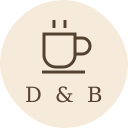


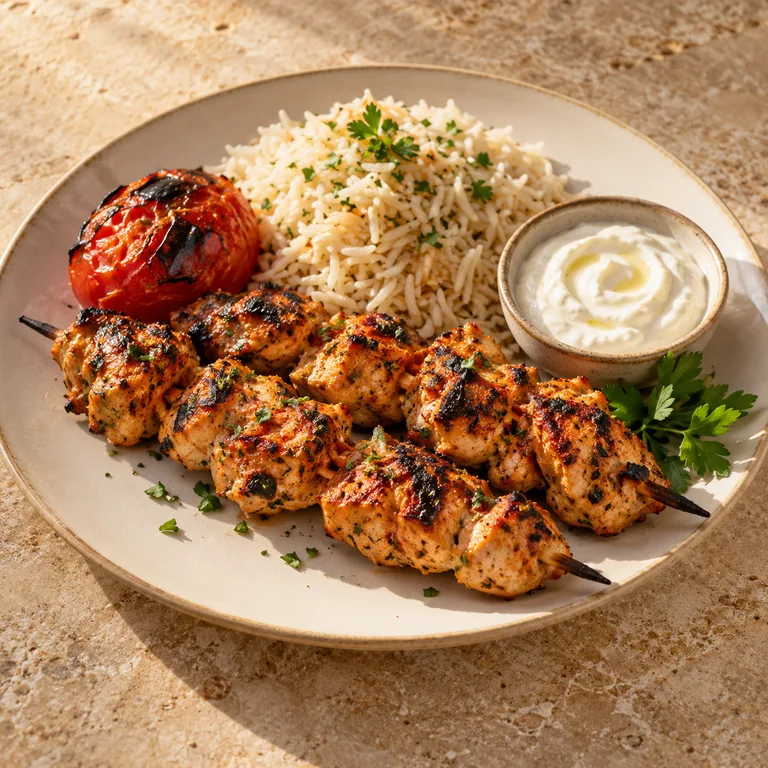
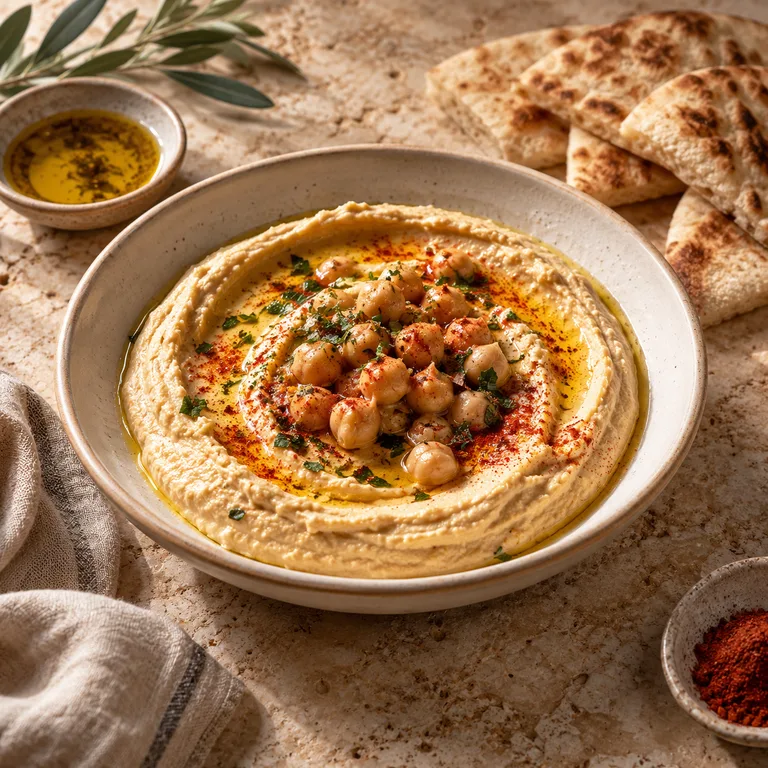


Still Palm
Spa


Showcase
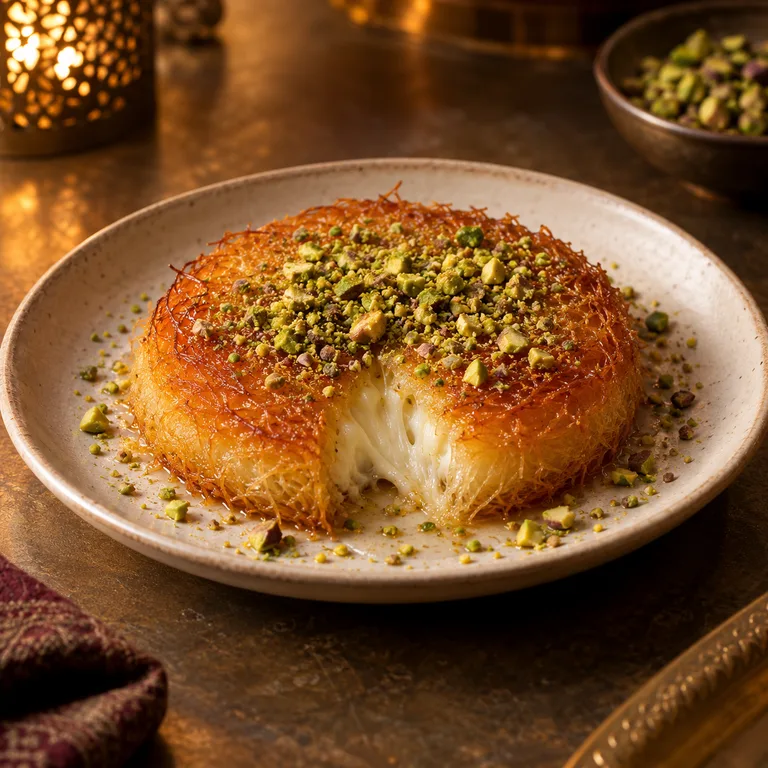
Photo-first — cover, category tiles, one big picture per item
Explore Still PalmSFDA-ready
Every label the SFDA menu rules ask for, built into every item.
Calories
On every item.
Required for menus in several Gulf markets. Estimates stay flagged until you confirm them.
14 allergens
Structured, never guessed.
Diners filter by allergen and get safe / unsafe / unknown from your attested data, with a reminder to confirm with staff.
Caffeine · Salt
Milligrams per cup, the salt shaker.
Caffeine per drink and per cup size, with the daily limit note. A salt-shaker icon on dishes over 5 g of salt.
Walking · 2,000 kcal
Burn time and the daily guide.
Minutes of walking to burn each dish, and the adult daily calorie intake on the menu. Each label is one switch.
AR · EN · RTL
Bilingual by default.
Real right-to-left layout, Arabic-Indic numerals, curated Arabic + Latin font pairs.
VAT-inclusive
Prices that add up.
Inclusive pricing and running totals at your country's rate. Payments only when you ask for them.
More for your venue
When the menu is live, the rest is one switch away.
Waitlist
Guests join from the QR; you text when the table's ready.
Bookings
Reservations without a third-party app.
Table requests
Water, bill, waiter — one tap from the menu.
Pickup & WhatsApp
Orders arrive as a message you already know how to answer.
POS
A lightweight register that shares the menu's catalogue.
Tax receipts
E-invoice-ready receipts where your country requires them.
Optional · AI & MCP
Have an assistant? Let it do the typing.
Connect Claude, ChatGPT or Cursor and hand it a photo of your paper menu. It fills in Arabic names, calories and allergens; you approve. Every published menu is also readable by your diners' assistants. Qaema runs no AI itself and never charges for it.
$ connect mcp.qaema.ai → import_menu(photo.jpg)
✓ 5 sections · 42 items staged
✓ upsert_items · 42 Arabic names · ar
! audit_menu · 3 items missing price
✓ publish_menu → sufra.qaema.ai
For you and your team
Import a menu photo or PDF into a draft, prepare Arabic and English updates, change availability, or ask about scans and popular items. Review imported details before publishing.
Example: “Import this menu in Arabic and English, then show me the draft for review.”
For your guests
Your published menu has a read-only MCP endpoint, so compatible guest assistants can explore your items and prices. Private drafts and venue management stay behind your account permissions.
Example: “Which items on this menu are labelled vegetarian?”
You approve your assistant’s access and can revoke it from the dashboard. MCP is optional; your assistant’s own access and subscription requirements apply.
PRICING · BILLED YEARLY
Free to go live. Pay only for your brand.
Free
0
Get the menu live.
- 1 venue · 50 items
- Agent import (MCP)
- Arabic + English
- Badges & offers
- Table QR codes
- 7-day analytics
- Qaema badge on menu
Pro
Most popular 82.5 19 / month
Billed 228 yearly. Your brand, your domain.
- Unlimited items, no platform badge
- All 6 templates, brand kit & font pairs
- Custom domain
- Pickup mode + delivery list
- Order list + WhatsApp
- Availability API
- 2 seats · 12-month analytics
Business
207.5 / month
Billed 2,490 yearly. Several branches.
- 3 venues
- 10 seats
- Everything in Pro
- 12-month analytics
Prices in SAR, excluding VAT. Billed once a year. Your menu stays online on Free after a plan ends. Available across the GCC.
Your menu could be on a phone in twenty seconds.
No account needed to try · Sign up to publish